
OpusClip & Teleprompter Alternative for Solo Founders: Turn a 3-Question AI Interview into 9:16 Reels
Clipping tools like OpusClip require an hour-long podcast recording you do not have, while browser teleprompters make solo founders look like they are reading a hostage note. Here is how to use an AI host interview to generate 9:16 Reels and 16:9 features.
Why Solo Founders Struggle with Both Teleprompters and Podcast Clippers
Every B2B founder, independent consultant, and technical creator knows that conversational interview clips outperform scripted monologues on LinkedIn, YouTube Shorts, TikTok, and WeChat Channels. When a viewer hears a sharp question followed by a grounded, specific answer, they stay to the end.
Yet when you try to produce those clips on your own, existing tools trap you between two dead ends:
- The Teleprompter Trap: Even if you use a browser teleprompter set to 140 WPM, writing a 200-word monologue and reading it into a webcam flatten your vocal cadence and freeze your eye-line. Founders routinely burn 60+ minutes on 12 retakes and still hate the result.
- The "OpusClip Prerequisite" Trap: AI clipping tools like OpusClip, Munch, and Descript are built to slice a 60-minute recorded video podcast into 45-second shorts. If you are a solo operator who does not host a weekly multi-cam video podcast, you have nothing to feed the clipper.
Axiom Lab Expert Interview (/create/profile_card) (see the Expert Interview overview) solves both problems by replacing the script and the camera crew with a 3-question AI Host workflow.
Teleprompter Monologue vs. OpusClip vs. Axiom Lab Expert Interview
| Dimension | Browser Teleprompter + Webcam | OpusClip / Long-to-Short Clippers | Axiom Lab Expert Interview (/create/profile_card) |
|---|---|---|---|
| Starting Input Required | A fully written 150–250 word script + lighting/mic setup | A pre-recorded 30–60 minute video podcast file | A business card, PDF résumé, public URL, or 2 sentences of text |
| How the Story Is Extracted | You stare at scrolling text and try not to stumble | AI guesses "viral hooks" from an existing long recording | An AI host reads your background and asks 3 sharp questions |
| Fact & Script Control | Manual rewrite on every retake | Hard to fix misspoken facts once recorded | Full script review & inline editing before production starts |
| Output Formats | Raw webcam recording | 9:16 cropped talking head | Three 16:9 Editorial Interviews + Three 9:16 Dynamic Reels |
One Interview, Six Visual Directions: 16:9 Features & 9:16 Reels
Once you answer the AI host's prompts and approve the script in /create/profile_card, you can render your piece in either classic 16:9 landscape or high-retention 9:16 vertical Reel formats:
9:16 Vertical Reel Looks (Built for Feeds & Shorts)
punch— Punch Captions (爆款字幕): High-contrast yellow-on-black impact captions and kinetic keyword emphasis. Built for B2B hot takes, counter-intuitive industry lessons, and founder breakdowns.neon— Neon Glitch (霓虹故障): Chromatic RGB aberration, dark cyber grid framing, and high-tech pacing. Ideal for AI engineers, developer tools, cybersecurity, and technical founders.pop— Pop Stickers (多巴胺贴纸): Candy-colored callout bubbles, halftone dots, and energetic sticker badges. Great for design studios, creative directors, consumer brands, and advisor tips.
16:9 Landscape Editorial Looks (Built for Websites & Proposals)
paper— Newsprint Feature (报刊长谈): Warm off-white paper texture, editorial serif typography, and calm documentary pacing.studio— Broadcast Split-Screen (演播室对谈): Dark broadcast studio layout with host/guest framing and lower-third credentials.magazine— Portrait Cover Feature (杂志专访): Large portrait photography paired with pull-quote callouts for company About pages and client proposals.
How to Go from a 2-Line Bio to a Finished 9:16 Reel in 4 Steps
- Test your talking points (Optional): Run the free Founder & Expert Video Interview Question Generator to preview the 5 questions an executive producer would ask about your specialty.
- Drop your card, résumé, or links into
/create/profile_card: Open Expert Interview Studio (/create/profile_card) (or click Use an example in the bottom bar to test with a pre-filled founder profile right away). - Answer 3 conversational questions from the AI host: Reply in plain language—either by voice or text—focusing on one concrete client problem and one checkable piece of work you actually delivered.
- Approve the script & pick your Reel or 16:9 look: Edit any word in the generated script, select
Punch captions,Neon glitch,Pop stickers, or a 16:9 editorial layout, and confirm to render your finished film.
Frequently asked questions
How is Axiom Lab's Expert Interview (/create/profile_card) different from OpusClip or Captions.ai?
OpusClip and Captions.ai are post-production editors that require you to already have a recorded 45-to-60-minute video podcast or raw talking-head video. Axiom Lab's Expert Interview (/create/profile_card) starts from your résumé, business card, or public links: an AI host asks you 3 targeted questions, builds the script for your approval, and generates the finished 9:16 Reel or 16:9 interview film.
What are the 6 visual styles available on /create/profile_card?
You can choose between three 16:9 landscape interview layouts—Paper (editorial serif newsprint), Studio (dark split-screen broadcast), and Magazine (warm portrait feature)—and three 9:16 vertical Reel styles—Punch captions (high-impact yellow-on-black), Neon glitch (cyberpunk RGB frame), and Pop stickers (candy-color badges).
Do I have to memorize a script before starting the AI interview?
No. You simply upload your card/résumé or paste a 2-sentence bio, and the AI host generates tailored questions based on your actual background. You answer naturally in 3 short turns and can edit the resulting script before production.
Can I try /create/profile_card without uploading a résumé first?
Yes. Visit /create/profile_card and click 'Use an example' in the bottom bar to pre-fill a sample founder profile and preview the workflow immediately.
Related resources
Founder & Expert Bio Script + Interview Question Generator
Free founder bio, 30s digital name card script, and 5-question interview prep generator. Draft spoken introductions for executive profiles, consultant videos, and founder Q&As.
Updated Free to useFree Online Teleprompter for Video Recording (Mirror Mode & Pace Control)
Scroll your video script smoothly in your browser with adjustable WPM speed, eye-line guide, mirror mode for beam-splitter glass, or skip camera retakes altogether.
Updated Free to useFounder introduction brief template
A free founder introduction template for your professional focus, supporting experience and next conversation. Read the full brief before downloading.
Updated Free download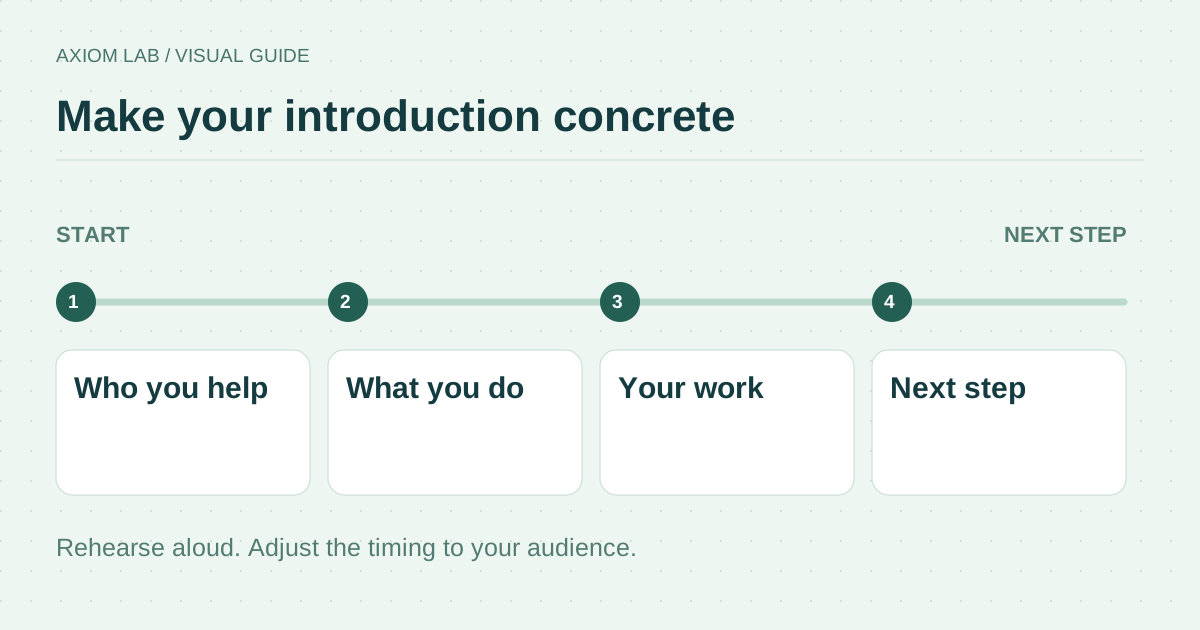
How to Pitch Yourself
How to pitch yourself for a role, a partnership, or a client: who you help, the result you are known for, one proof, and how to start.
Updated Read more