
Axiom Lab MCP Server & Claude Skills: Generate Commercial Videos in Claude Code & Cursor
Most video MCP servers only wrap raw 5-second b-roll generators. The remote Axiom Lab MCP server (https://axiomlab.online/mcp) gives Claude Code, Cursor, and autonomous agents an end-to-end commercial video production pipeline: upload files, review a structured plan, confirm length, and download a QA-checked 1080p film.
Why Developers Need an End-to-End Video Production MCP (Not Just Raw B-Roll)
If you build with Claude Code, Cursor, or custom AI agents, you have probably noticed that most "video generation MCP servers" only wrap raw diffusion endpoints (returning a 4-to-5-second silent clip). An agent cannot hand a 5-second silent clip to a founder or product team as a finished deliverable.
The Axiom Lab remote MCP server (https://axiomlab.online/mcp) and Claude Skills (/developers/skills) expose the full Axiom Lab production pipeline over standard HTTP MCP:
- Zero local dependencies: Connect directly to
https://axiomlab.online/mcpwithAuthorization: Bearer <API key>. - Plan-before-spend safety: The assistant uploads your local files (up to 20 MB per file over MCP, or 50 MB via REST), creates a plan (
POST /v1/plans), shows you the workflow, suggested duration, and format, and waits for your explicit yes before starting production (POST /v1/videos). - QA-checked commercial MP4 output: Every delivered film includes structured narration, visual chapters or UI/product proof, and frame-accurate captions—and failed or cancelled jobs are never charged.
1-Minute Setup: Connect Claude Code & Cursor to Axiom Lab MCP
First, create an API key at https://axiomlab.online/dev under Developers → Overview → API keys and export it as AZIMO_API_KEY.
Option A: Claude Code CLI
claude mcp add --transport http azimo https://axiomlab.online/mcp \
  --header "Authorization: Bearer $AZIMO_API_KEY"
Option B: Cursor (~/.cursor/mcp.json)
{
  "mcpServers": {
    "azimo": {
      "url": "https://axiomlab.online/mcp",
      "headers": {
        "Authorization": "Bearer ${env:AZIMO_API_KEY}"
      }
    }
  }
}
What You Can Ask Your AI Assistant to Produce
Once connected, point Claude Code or Cursor at files in your repository or desktop and ask in plain language:
| Prompt Example in Claude Code / Cursor | Underlying Axiom Lab Workflow | Deliverable Spec |
|---|---|---|
"Turn ./docs/architecture-spec.pdf and ./screenshots/ into a 60-second project pitch video for enterprise security reviewers." | Project Video (/create/project) | 30–180s · 16:9 1080p MP4 with narrated 4-beat proof & verbatim captions |
"Make a 15-second Tech-precision product video for the Pliva Fold Kettle from ./assets/pack-shot.png and ./spec.md." | Product Video (/create/product) | 15–30s · 16:9 TVC in cinematic, tech, or lifestyle look |
"Build a 9:16 Founder Card in Financial Grid style from ./founder/portrait.jpg, ./founder/stage.jpg, and ./founder/facts.json." | Founder Card (/create/name_card) | 30–90s · 9:16 1080×1920 vertical film + 3:4 cover poster |
Built-In Guardrails: Idempotency, Plan Review & LLM-Ready Docs
- Mandatory Plan Confirmation: Starting production, confirming suggested duration after material analysis, and approving budget stops are marked as confirmation-required actions in the MCP schema.
- Idempotent Retries: Repeating a production start call on the same
plan_idreturns the exact same video job rather than double-charging your account. - LLM-Native Documentation: Point any coding agent at
https://axiomlab.online/llms.txtor the single-file bundlehttps://axiomlab.online/llms-full.txt(or append.mdto any developer doc URL, such as/developers/cli-mcp.mdand/developers/api.md) for zero-noise Markdown context.
Frequently asked questions
What is the remote URL for the Axiom Lab MCP server?
The remote HTTP MCP endpoint is https://axiomlab.online/mcp. Nothing needs to be installed locally—authenticate with your API key via the header Authorization: Bearer <API key> (create a key at https://axiomlab.online/dev).
How do I add the Axiom Lab MCP server to Claude Code?
Run: claude mcp add --transport http azimo https://axiomlab.online/mcp --header "Authorization: Bearer $AZIMO_API_KEY". Once connected, you can ask Claude Code to turn any local PDF, markdown spec, or folder of product photos into a project, product, or founder-card video.
Will the MCP server charge my balance without asking me first?
No. Production can only start from a frozen plan (/v1/plans), and the MCP tool definitions instruct the AI assistant to display the plan (workflow, suggested length, format) and wait for your explicit confirmation before starting production (/v1/videos).
Which video workflows can an AI agent trigger via the Axiom Lab MCP server and REST API?
Agents can list and run all open workflows: Project videos (30–180s 16:9 from PDFs/decks), Product videos (15–30s TVC showcases from product photos), Founder cards (30–90s 9:16 personal-branding films from photos and checkable facts), and Expert interviews.
Related resources
Video File Size & Bitrate Calculator (1080p, 4K, H.264, H.265, ProRes)
Calculate exact MP4/MOV video file size in MB or GB from duration, resolution (720p, 1080p, 4K), frame rate (24/30/60fps), and codec (H.264, H.265/HEVC, ProRes 422).
Updated Free to useVTT to SRT Converter Online (Free) — Convert WebVTT (.vtt) to SubRip (.srt) & Text
Free client-side VTT to SRT converter. Strip WebVTT headers, voice tags, and positioning rules, convert millisecond dots to commas, shift timing (±ms), or extract plain text.
Updated Free to useProject pitch brief template
Download a free project pitch brief covering audience, problem, solution, evidence and the next step. Includes a full text preview and a fictional video example.
Updated Free download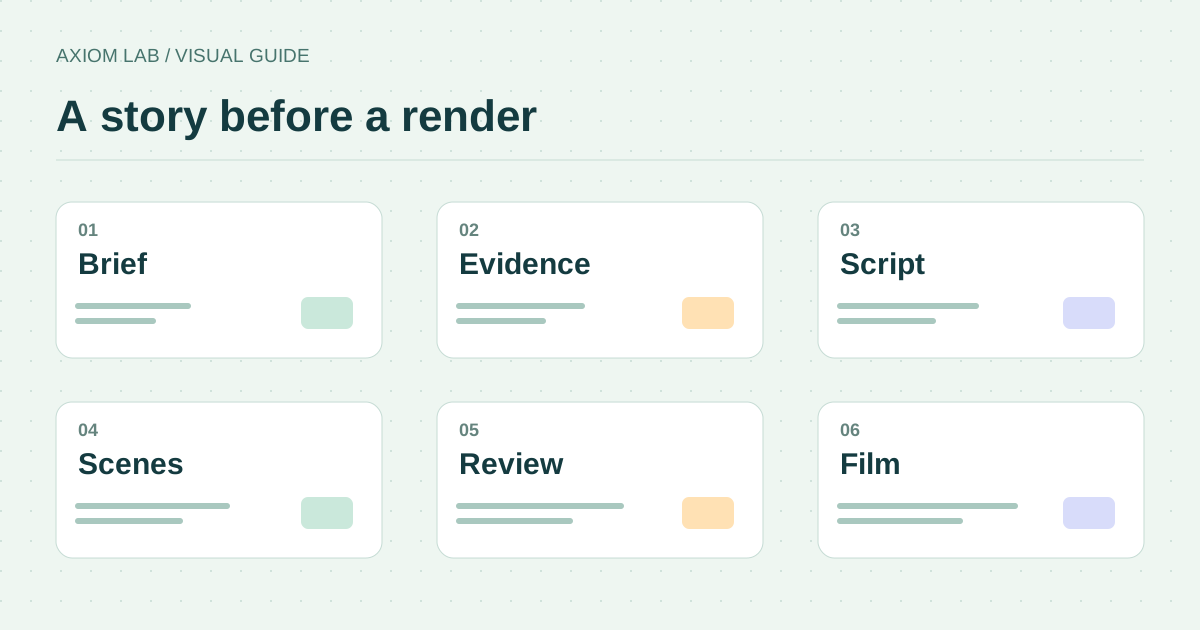
How to Make a Pitch Video
How to make a pitch video of about a minute: the painful situation, the solution, the proof, and a dated next step. Start from a plan, a deck, or photos.
Updated Read more